
I have spent enough time fixing other people’s laptops to know one thing. Most users cannot name the type of software program running on their own screen.
They call everything an app. Sometimes that is fine, but it hides real differences that matter when something breaks. Learning the types of software programs on your device helps you troubleshoot faster and install the right tools.
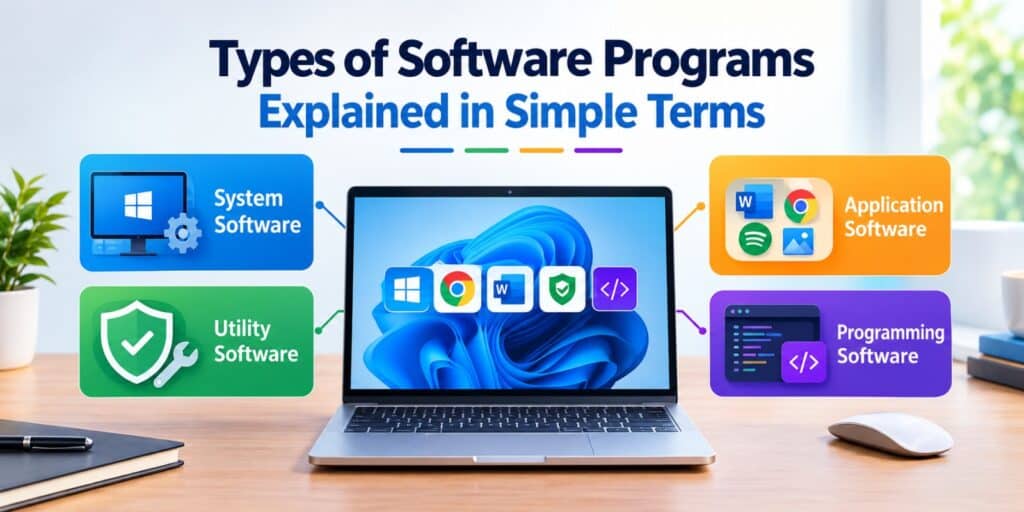
There are four main types of software program, system software, application software, utility software, and programming software. System software runs the computer itself, application software helps you complete tasks, utility software maintains performance, and programming software lets developers build new programs.
There are four main types of software programs based on what each one does for the user or the machine. System software controls hardware, application software performs user tasks, utility software maintains the system, and programming software builds other software.
Key Takeaways
- There are four main types of software program, system, application, utility, and programming software.
- Windows, macOS, and Linux are examples of system software.
- Word processors, browsers, and games count as application software.
- Antivirus tools and disk cleaners are utility software, not applications.
- Knowing the type helps you troubleshoot and choose the right tool faster.
What Are the Main Types of Software Program
Every program on a computer fits into one of a few functional groups. The grouping depends on what the software does, not what it looks like on screen.
A neat interface does not make something an application. A hidden background tool does not automatically make it system software. Function decides the category, not appearance.
The main types of software program covered in this guide are:
- System software
- Application software
- Utility software
- Programming software
Each one plays a different role in keeping a computer usable. If you are also comparing the terms application and software directly, our application vs software guide covers that distinction in full.
System Software Explained
System software is the first type of software program every computer needs. It manages the computer’s hardware and gives other programs a place to run, and it works in the background the moment you power on the device.
According to Microsoft’s own documentation, system software includes the operating system, device drivers, and other core programs that manage hardware.
Common examples of system software include:
- Windows 11
- macOS
- Linux
- The BIOS or UEFI firmware on your motherboard
Without system software, application programs would have no way to reach your keyboard, screen, or storage. Every click and keystroke passes through this layer first.
You rarely interact with system software directly. It shows up through the desktop, taskbar, or settings menu instead of a separate window.
Application Software Explained
Application software is the second common type of software program. It is what most people mean when they say app or program, and it handles a specific task for the end user, not the machine.
Popular examples of application software include:
- Microsoft Word for documents
- Google Chrome for browsing
- Spotify for music
- Adobe Photoshop for photo editing
Application software depends on system software to function. Word cannot save a file, print a page, or open without Windows or macOS handling the request underneath.
These programs split further into productivity tools, communication apps, creative software, and entertainment apps. The category is broad because user needs are broad too. For a deeper side by side comparison of this exact term, see our application vs software breakdown.
If you are weighing specific software types against each other, our guides on open source software vs proprietary software and web app vs desktop app vs mobile app go deeper into those comparisons.
Utility Software and What It Actually Does
Utility software keeps a computer healthy rather than helping you finish a task. It focuses on maintenance, not creation.
Antivirus programs, disk cleanup tools, file compression software like WinZip, and backup tools are common examples. You run them occasionally, not constantly.
A useful way to separate utility software from applications is intent. Applications help you do something new, utilities help your system keep working well.
Most modern operating systems include basic utility tools by default. Windows Defender and Disk Cleanup are two examples already built into Windows 11.
Programming Software for Developers
Programming software helps developers write, test, and fix other programs. It sits close to system software but serves a different audience.
Code editors like Visual Studio Code, compilers, debugging tools, and integrated development environments are common examples. None of these are meant for everyday non technical users.
This category matters less for average users but explains where every other type of software comes from originally. Every app on your phone started inside programming software like this.
Driver Software and Why Your Computer Needs It
Driver software lets hardware devices talk to your operating system. Without the right driver, a device simply will not work correctly.
A printer needs a printer driver, a graphics card needs a display driver, and a sound card needs an audio driver. Each device relies on its own driver to communicate properly.
Drivers are usually installed automatically today, but manual updates still help fix performance issues. Realtek audio problems on Windows 11, for example, are often solved by updating the driver directly rather than reinstalling the app.
Comparing the Main Types of Software Program
The table below summarizes how these types of software program differ at a glance.
| Type | Main Job | Runs In Background | Example |
| System Software | Manages hardware and resources | Yes | Windows 11, macOS |
| Application Software | Completes user tasks | No | Microsoft Word, Chrome |
| Utility Software | Maintains system health | Sometimes | Antivirus, Disk Cleanup |
| Programming Software | Builds and debugs other software | No | Visual Studio Code |
How to Tell What Type of Software Program You Are Using
Most confusion comes from not checking a program’s purpose before labeling it. This simple process helps identify any software correctly.
- Ask whether the program manages hardware or performs a user task.
- Check if it runs constantly in the background or only when opened.
- Look at whether it creates something or maintains something.
- Confirm if it needs another program underneath it to function.
- Match the answer to one of the four categories above.
Following these steps takes less than a minute for most programs. It becomes automatic once you have done it a few times.
FAQs
What are the main types of software program?
The main types of software program are system software, application software, utility software, and programming software. Each type serves a different function, from managing hardware to helping users complete tasks.
Is Windows 11 system software or application software?
Windows 11 is system software. It manages hardware resources and provides the platform that lets application software like Word or Chrome run.
Is antivirus software an application or a utility?
Antivirus software is classified as utility software. It maintains system security and performance rather than helping you complete a specific creative or productive task.
What type of software is a web browser?
A web browser like Chrome or Firefox is application software. It performs a specific task for the end user, which is accessing websites.
Why do I need driver software if I already have an operating system?
Your operating system cannot communicate with every piece of hardware on its own. Driver software translates instructions between the device and the operating system so it works correctly.
How many types of software programs are there in 2026?
Most sources in 2026 still group software into four practical categories, system, application, utility, and programming software. Some guides add embedded or AI software as a fifth modern category depending on use case.
Final Thoughts
I still open Task Manager out of habit whenever a client asks what is slowing their laptop down. Nine times out of ten, the answer is easier to explain once you know these four categories.
Knowing the types of software program on your device is not just theory. It helps you install the right fix instead of guessing, and that saves real time.
For more background on how software works overall, see Wikipedia’s overview of software, and for a plain breakdown of the two broadest categories, Microsoft’s own explanation of system and application software is a solid starting point. If you want to go deeper into the maintenance side of things, Wikipedia’s page on utility software covers that category well.


Pingback: Web App vs Desktop App vs Mobile App, Which One Do You Need - Tech World Garage